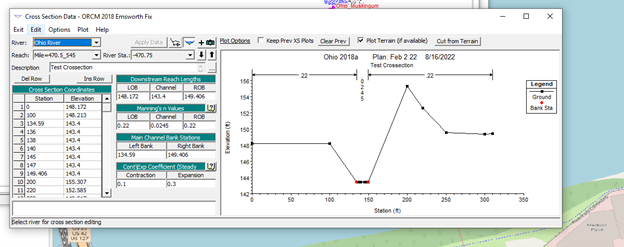
Create a Cross-section in HEC-RAS using Google Pro
Get geometric data from Google Pro and Put it in HEC-RAS for a quick
Follow the instructions from To extract elevation from google earth created by Vannary. This is located in her google drive at the moment.
The instructions on the document assume you have ArcGiS For QGIS open the GPX data file that you have created.
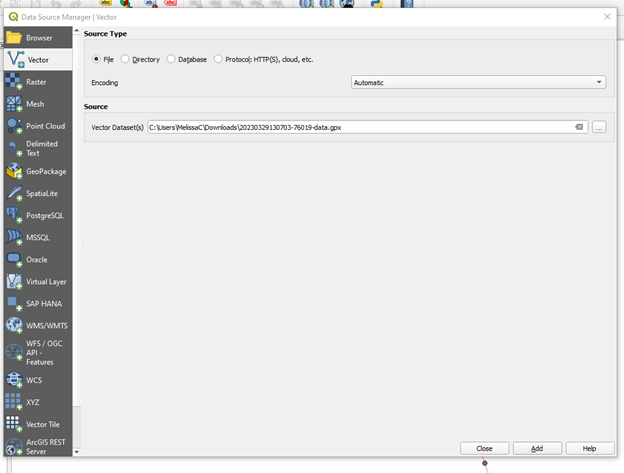
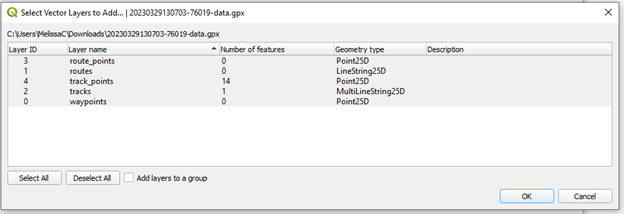
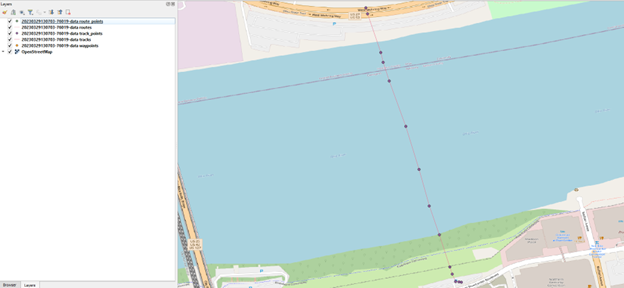
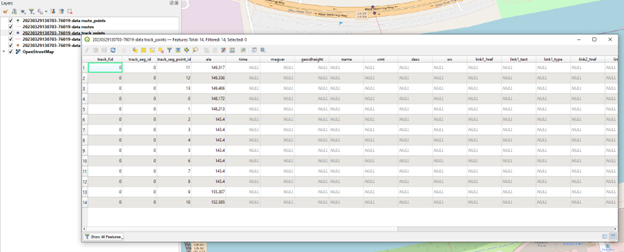
Export this attribute table to CSV.
Go to GIS and Create or Copy a crossestion where you need the new cross-section to be.
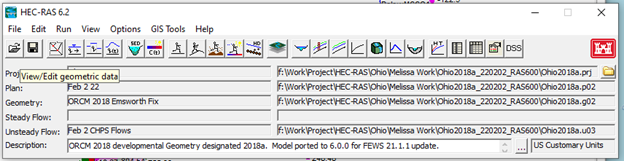
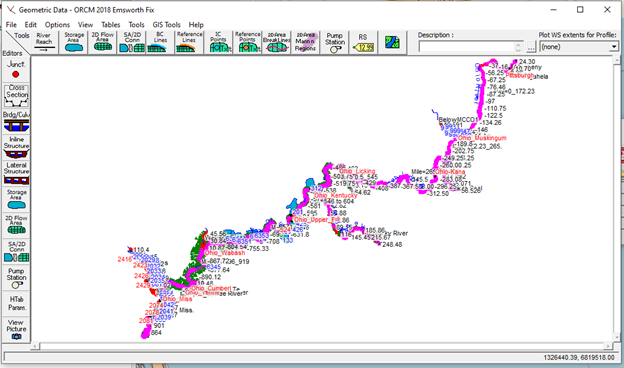
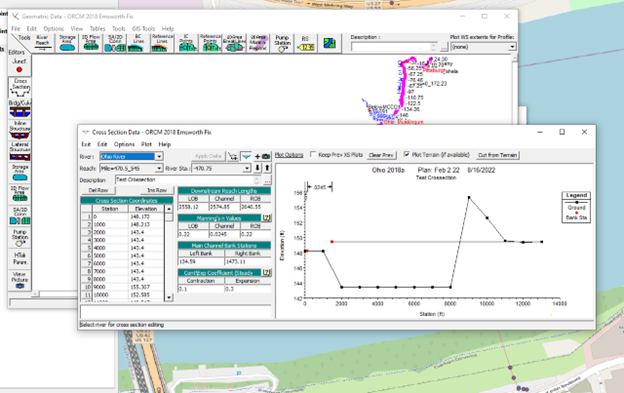
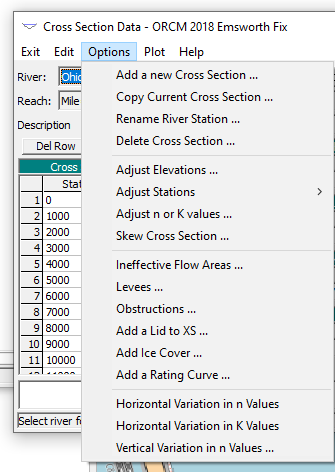
I used copy a current cross-section then modified it. If you are near another cross-section which I am it should be similar. So that is what I tried.
Look at the data you are given and know that the right and left bank are the red dots in the graph. Compare it to the google pro. And estimate. This is just to generate a quick and dirty cross section in HEC-RAS